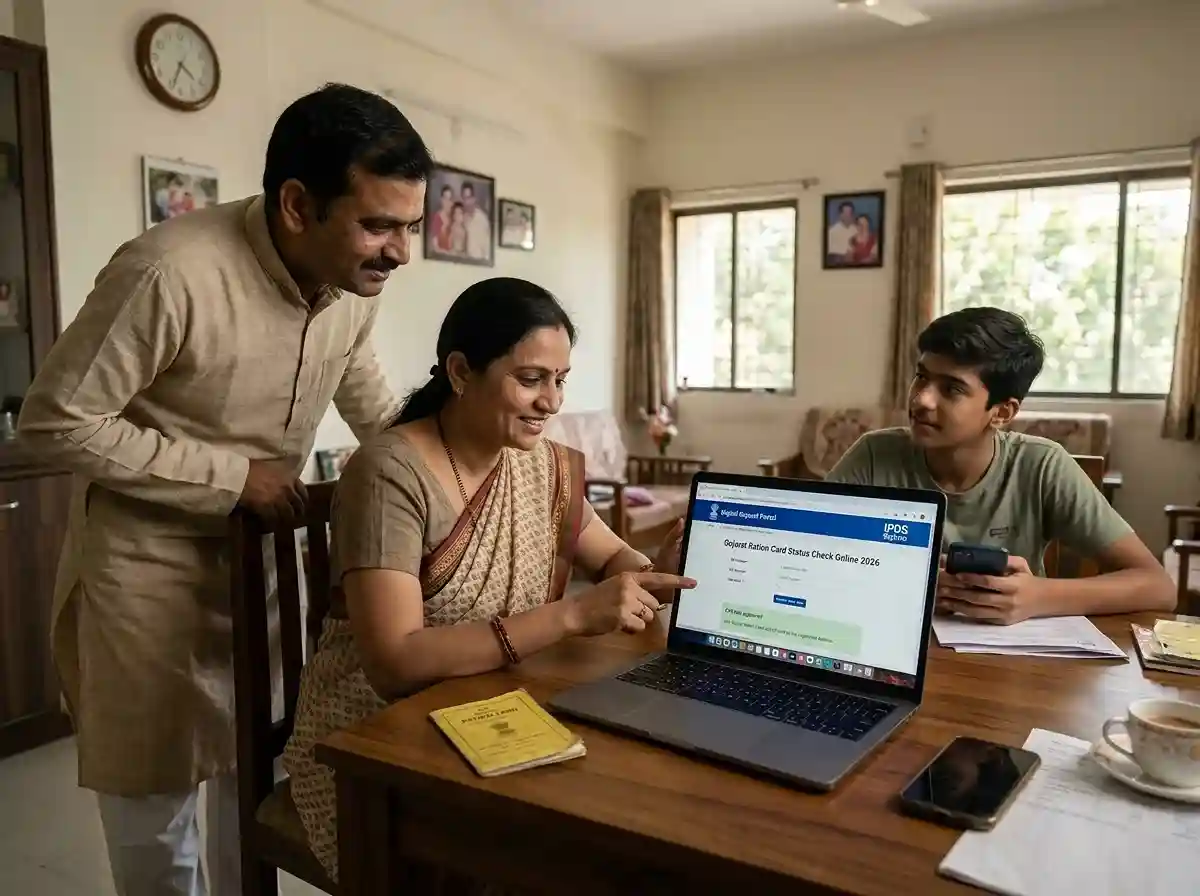
What Is a Gujarat Ration Card?
A Gujarat ration card is an official document issued by the state's Food and Civil Supplies Department. It gives eligible families access to subsidised food grains through the Public Distribution System (PDS). Every member in the family gets 7 kg of food grains per month under the scheme.
But a ration card does more than get you food. It works as proof of identity and address. You can use it to apply for a PAN card, voter ID, passport, and other government schemes. That is why knowing your Gujarat ration card status matters | whether you just applied or are waiting for a modification to go through.
The card is managed by the Directorate of Food and Civil Supplies, Government of Gujarat. The IPDS (Integrated Public Distribution System) portal tracks all beneficiary data. The Digital Gujarat portal handles new applications and modifications.
Three Official Portals to Check Ration Card Status
Gujarat uses three separate portals for different purposes. Each one gives you specific information. Using the wrong portal can waste your time. Here is what each portal does.
Digital Gujarat Portal
Track your ration card application status after login. Use this to check new applications and modification requests. Go to My Services → Service Request Section.
digitalgujarat.gov.in →IPDS Gujarat Portal
Check the district and taluka-wise beneficiary list. See if your name is in the NFSA or Non-NFSA list. No login needed. Open to all.
ipds.gujarat.gov.in →FCS Gujarat Portal
The Directorate of Food and Civil Supplies portal. Use this to file PDS complaints online and access official ration card information.
dcs-dof.gujarat.gov.in →How to Check Gujarat Ration Card Application Status Online
This method works for new ration card applications and for modification requests | like adding a name, removing a member, or changing your address. You need your registered login credentials to check.
Open the Digital Gujarat portal
Go to digitalgujarat.gov.in. Click on Citizen Login at the top right. Enter your registered email ID and password. New users must register first before logging in.
Go to My Services
After login, you will land on your dashboard. Scroll down to find the My Services section. Inside that, look for the Service Request Section. Your ration card application will appear here with a reference number.
Read your application status
The status will show one of these stages: Submitted → Received by Authority → Under Review → Approved → Dispatched / Issued. If status shows Query Raised, the authority needs more documents. Click Edit to upload what is required.
Processing time for a new ration card is usually 30 to 45 working days. Modifications like name addition or address change take 15 to 30 working days. If your status has not changed in over 45 days, visit your Mamlatdar Office with a copy of your application.
How to Check Your Name in the IPDS Beneficiary List
The IPDS portal at ipds.gujarat.gov.in shows the official beneficiary list. This is the list of ration card holders currently receiving food grains. If your name appears here, your card is active and registered under the PDS system.
This portal is public. You do not need to log in. Anyone can check any district or taluka.
Open the IPDS ration card list page
Go directly to ipds.gujarat.gov.in. This page shows the ration card abstract for Gujarat.
Select month, year, and enter captcha
Choose the month and year you want to check. The list updates monthly. Enter the captcha code shown on screen. Then click Go.
Select your district and taluka
A table will load showing districts across Gujarat. Click on your district. Then select your taluka. The system will display your area's ration card data.
Find your ration card number
You will see a list of ration card holders for your area. The list includes NFSA and Non-NFSA cardholders. Click on your ration card number to see all family members listed under it.
Types of Gujarat Ration Cards Explained
Gujarat issues ration cards under both the National Food Security Act (NFSA) and state-level schemes. The card type decides what food grains you get and how much you pay. Here is a clear breakdown.
| Card Type | Who Qualifies | Monthly Entitlement |
|---|---|---|
| AAY (Antyodaya Anna Yojana) | Poorest of the poor families. No stable income | daily labourers, elderly, disabled. | 35 kg per family at ₹2/kg (wheat) and ₹3/kg (rice) |
| PHH (Priority Household) | Families identified under NFSA 2013 by the state government | 5 kg per person per month at subsidised rates |
| State BPL | Families below poverty line. Urban monthly per capita income below ₹501. Rural below ₹324. | Varies by state scheme |
| Non-NFSA / APL | Families above poverty line who do not qualify under NFSA | Food grains at near-market rates through PDS |
Gujarat also uses the One Nation One Ration Card (ONORC) system. If you move to another state for work, you can use your Gujarat ration card at any fair price shop in India. Migrant workers benefit the most from this.
Who Can Apply for a Gujarat Ration Card
You must meet these conditions before applying. Check each one carefully before submitting your application.
- You must be a permanent resident of Gujarat.
- You must be 18 years or older (head of household).
- Your family must have at least two members.
- Annual family income must be below ₹1.2 lakh in rural areas.
- Annual family income must be below ₹1.5 lakh in urban areas.
- No existing ration card should be issued in any family member's name in Gujarat.
- You must not already be a member of another household's ration card.
Newly married couples can apply for a separate ration card. If you want to split from an existing family ration card, you need to submit marriage proof or a separate residence proof.
Documents Required for Gujarat Ration Card Application
Keep these documents ready before you start the online application. Uploading wrong or blurry documents is one of the main reasons applications get delayed with a Query Raised status.
Identity Proof
Aadhaar card, Voter ID, or any government-issued ID
Residence Proof
Electricity bill, rent agreement, or property tax receipt
Family Details
Birth certificates or Aadhaar cards of all family members
Income Proof
Income certificate from competent authority or self-declaration
Passport Photo
Recent passport-size photograph of the applicant
Surrender Certificate
If previously registered in another state, a surrender certificate is needed
All documents must be scanned clearly. Files should be in JPG or PDF format. Each file should be under 1 MB for easy upload on the Digital Gujarat portal.
How to Apply for a New Gujarat Ration Card Online
Applying online saves time. You do not need to stand in a queue at a government office. The full process runs on the Digital Gujarat portal. Here is how to do it.
Visit the Digital Gujarat portal
Go to digitalgujarat.gov.in. Click on Services in the top menu. Then click on Citizen Services.
Find the ration card application
In the Citizen Services section, search for Application for New Ration Card. Read the instructions page carefully. Check the list of documents needed before proceeding.
Log in or register
Click Apply Online. If you already have an account, log in with your email and password. New users click New Registration (Citizen) and create an account first.
Fill in the application form
Enter all family member details carefully. Match names exactly as they appear on Aadhaar cards. Select the correct ration card category | NFSA or Non-NFSA | based on your eligibility.
Upload documents and submit
Upload all required documents one by one. Double-check that every file is clear and readable. Click Submit when done. Save your acknowledgement number immediately.
How to Check Ration Card Status Offline
Not everyone is comfortable using online portals. You can check and track your ration card application offline too. Here is how.
- Visit your nearest Mamlatdar Office with your application reference number.
- You can also go to the Taluka Supply Office in your area.
- Carry a copy of your original application and your Aadhaar card.
- The supply officer can pull up your application from the IPDS system and tell you the current status.
- The Digital Gujarat Helpline | 1800-233-5500 | is also available. Timings: Monday to Friday, 10:30 AM to 6:10 PM.
If your application has been rejected, the offline office can explain the specific reason. Sometimes a simple document correction can get your application back on track without reapplying from scratch.
How to Make Changes to Your Existing Ration Card
Life changes | people get married, children are born, family members pass away. Your ration card needs to reflect these changes. Gujarat allows you to update your card online through the same Digital Gujarat portal.
Common modifications you can request include:
- Name addition | for a newborn child or newly married member
- Name deletion | when a member moves out or passes away
- Address change | if you shift to a new home within Gujarat
- Correction of name or date of birth | to match Aadhaar records
- Duplicate ration card | if the original is lost or damaged
- Surrender of ration card | if you are moving out of Gujarat permanently
All these requests go through the Service Request Section on your Digital Gujarat dashboard. Modification requests take 15 to 30 working days. Track them the same way you track a new application.
Download Your Gujarat Ration Card via DigiLocker
You can download a digital copy of your Gujarat ration card through DigiLocker. This digital copy is as valid as the physical card for most purposes.
Log in to DigiLocker
Go to digilocker.gov.in or open the DigiLocker app on your phone. Log in with your Aadhaar-linked mobile number.
Search for the Food and Civil Supplies Department, Gujarat
In the search bar, type Food and Civil Supplies Department, Gujarat. Select it from the results. Then choose Ration Card as the document type.
Enter your ration card number and download
Enter your ration card number and submit. Click Get Document. The ration card will appear under your Issued Documents section. Download and save it.
How to File a PDS Complaint in Gujarat
Sometimes the fair price shop owner does not give full entitlements. Or stock is unavailable when it should not be. You can file a complaint directly online.
Open the FCS Gujarat portal
Go to fcsca.gujarat.gov.in. On the homepage, click on the E-Citizen option.
Select Online Complaint
Click on Online Complaint. Enter your registered mobile number. Fill in the complaint form with accurate details about your issue.
Upload supporting documents and submit
Attach any supporting documents if available. Submit the complaint. Note down your complaint reference number for future follow-up.
Frequently Asked Questions
Log in to digitalgujarat.gov.in. Go to My Services → Service Request Section. Find your ration card application and read the current status. Statuses include Submitted, Under Review, Approved, or Query Raised. For the beneficiary list, visit ipds.gujarat.gov.in. No login is needed there.
IPDS stands for Integrated Public Distribution System. The Gujarat portal at ipds.gujarat.gov.in is run by the Directorate of Food and Civil Supplies. It shows the district and taluka-wise list of ration card beneficiaries. It tracks food grain distribution under PDS in Gujarat. Anyone can access it without logging in.
Go to ipds.gujarat.gov.in. Select your district and taluka. Choose the month and year. Enter the captcha code and click Go. The beneficiary list will load. Browse to find your name. Both NFSA and Non-NFSA holders appear in this list.
A new ration card application takes 30 to 45 working days. Modifications like adding or removing a name take 15 to 30 working days. If your status does not change after 45 days, visit the Mamlatdar Office or call the helpline at 1800-233-5500.
Query Raised means the reviewing authority needs more information or documents from you. Log in to digitalgujarat.gov.in and go to your Service Request. Click the Edit option next to your application. Upload the documents they have asked for. The review will continue after you submit the required documents.
You can track your application using your registered mobile number on the Digital Gujarat portal. The portal is linked to your account, which uses your mobile number for OTP-based login. You can also call 1800-233-5500 and provide your application reference number to get a status update.
NFSA ration cards are issued under the National Food Security Act 2013. Households under this category get food grains at heavily subsidised rates | ₹2/kg for wheat and ₹3/kg for rice. Non-NFSA cards are for households above the poverty line. They can still buy food grains through PDS shops but at near-market rates. The IPDS list shows both categories separately.
Log in to digitalgujarat.gov.in. Go to My Services → apply for a name addition modification. Upload the child's birth certificate as proof. The update takes 15 to 30 working days. You can track the modification request in the same Service Request Section.